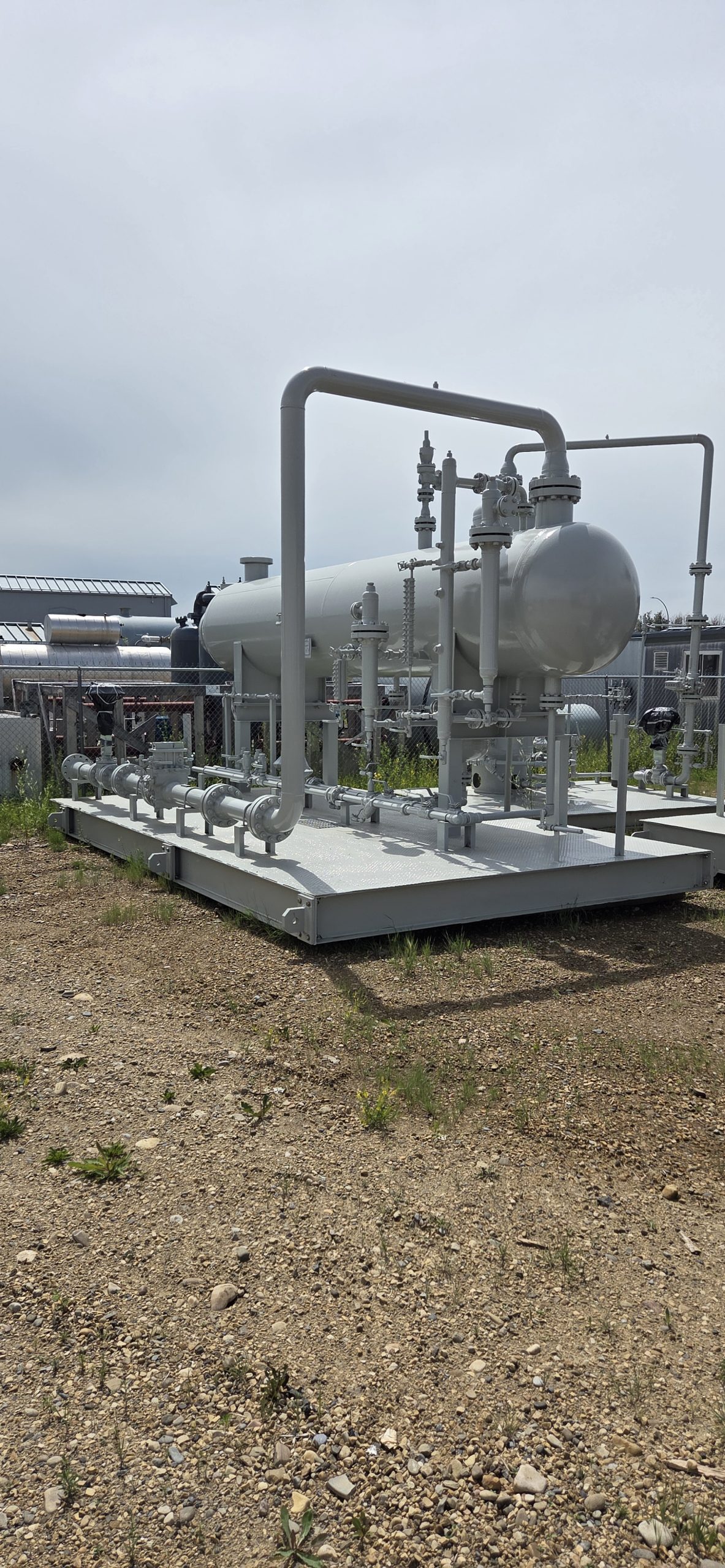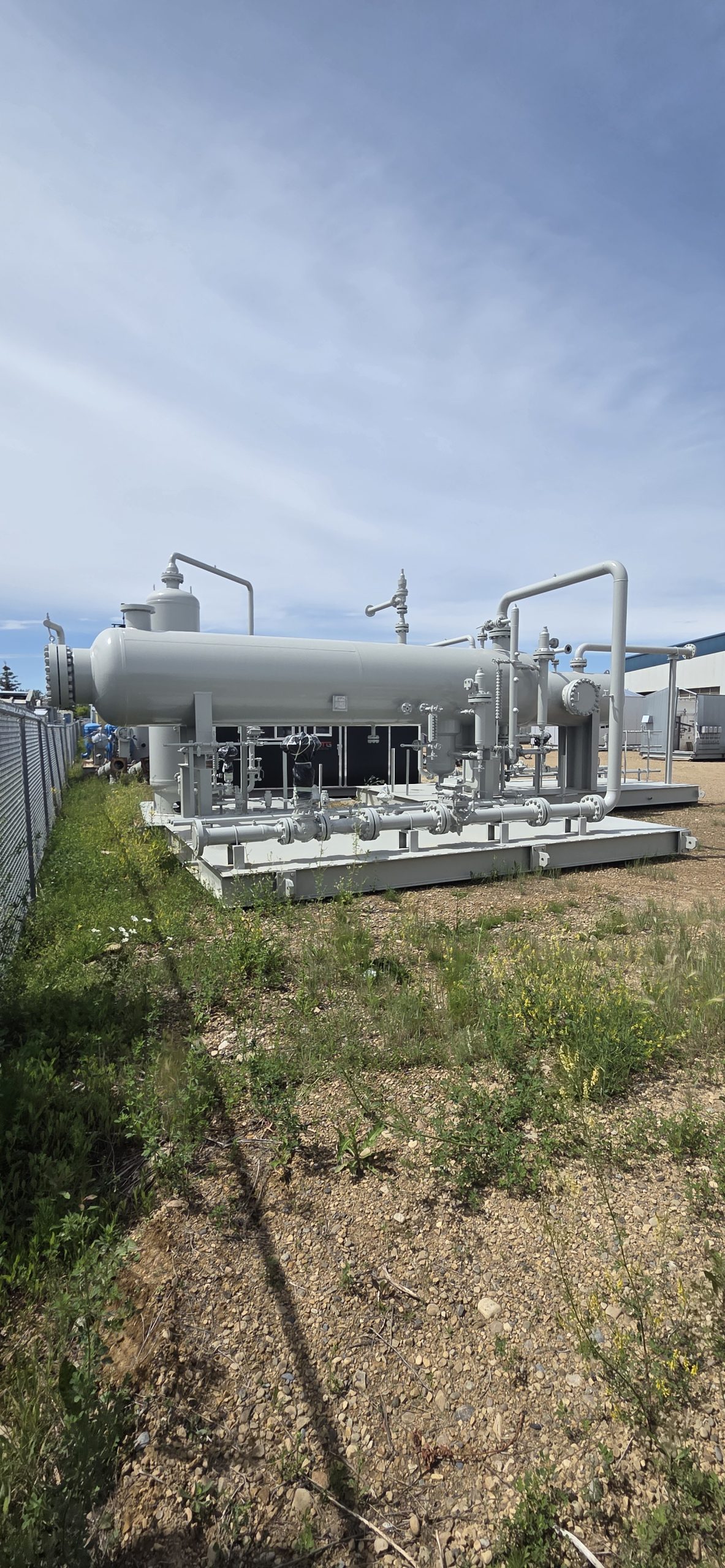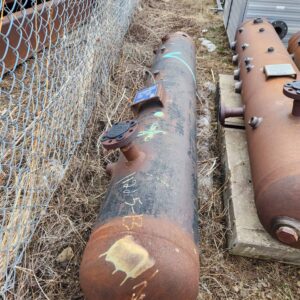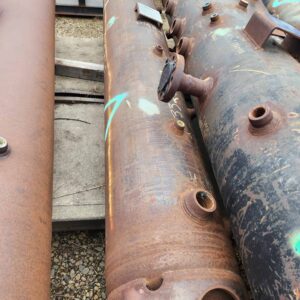
48″x20′ 1280 PSI HZ Separator
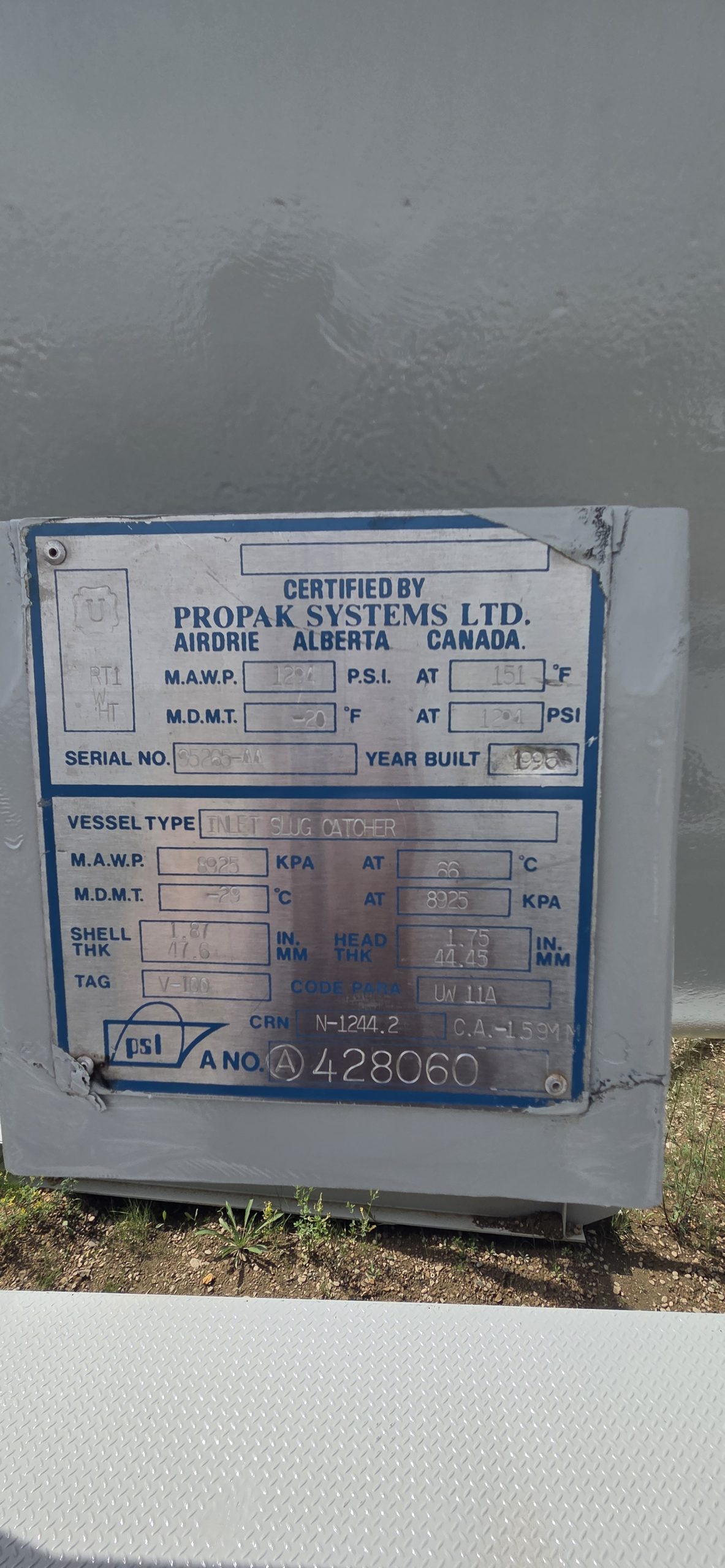
OTG#: 1528
A#: 428060
Serial #: 95285-AA
CRN #: N-1244.2
Condition Detail: Good used condition
General Information
| Year built | 1996 |
| Service Type | Sour |
| Skidded | Yes |
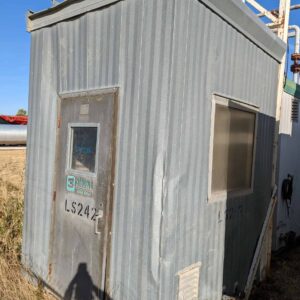
| Housed | Yes |
| Connection Status | Connected |
| Availability Status | Available |
Meter Run Info
| Meter Run Diameter (Inch) | 6 |
| ANSI - Meter Run | 600# |
Location
| Nearest Town/ City | leduc |
| Province | AB |
Separator Info
| Vessel Only | No |
| Separator Manufacturer | propak |
| Separator Length (ft) | 20 |
| Separator - Max Temp (°F) | 150 |
| Separator - Phases | 3 |
Click the printer icon to Print or Save as PDF
Need help in saving as pdf? Please click here.
Both Windows 10 and macOS have the built-in ability to print to a PDF.
Windows users
- Open the print menu by pressing Ctrl+P.
- Under the “Printer” drop-down menu, select “Microsoft Print to PDF” or “Save as PDF”. (The exact wording may vary by browser.)
- Click “Print”.
- When prompted, choose where you want to save the file.
- If you’re on an older version of Windows that does not have the built-in Microsoft Print to PDF printer, then please use Google Chrome browser. Google Chrome browser provides its own “Save as PDF” option.
Mac users
- Open the print menu by pressing Command+P.
- From the PDF drop-down menu (in the lower-left corner), choose “Save as PDF”. (In Chrome you may be able to skip this step and select “Open PDF in Preview”.)
- When prompted, choose where you want to save the file.